
Table of Contents
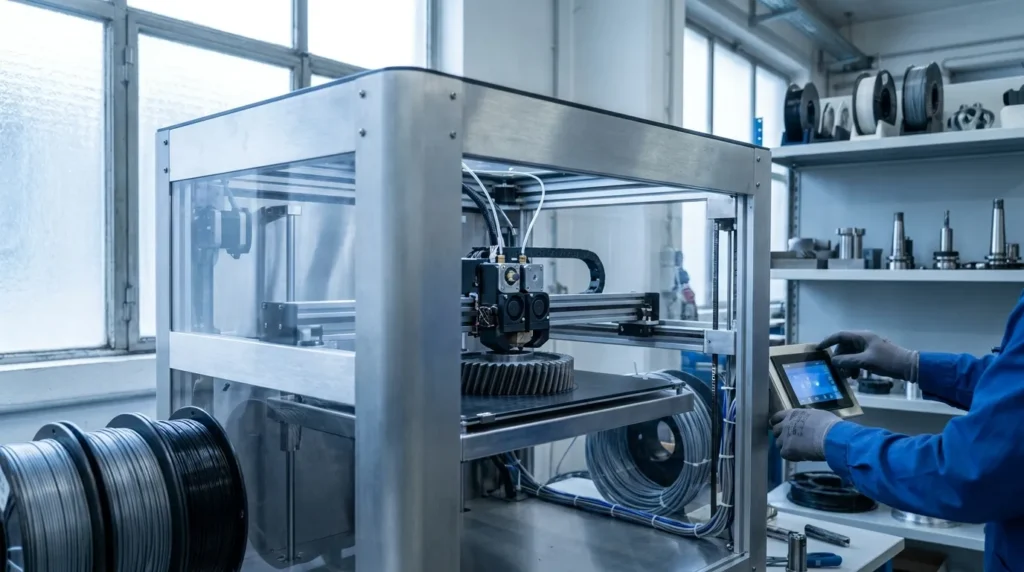
Klipper Firmware Optimization: Strategies for Performance Improvement
{
“title”: “Klipper Firmware 3D Printer Optimization Strategies”,
“metaDescription”: “Learn klipper firmware 3d printer tuning methods for faster, cleaner prints with practical 3d printer optimization strategies.”,
“content”: "Fast printing sounds appealing, but in real production work, speed by itself usually isn’t enough. When parts show ringing, rough corners, weak layer bonding, or first-layer failures, pushing speed higher does not help much and often adds more frustration. That is why Klipper has become such a useful option for serious FDM users. A well-tuned klipper firmware 3d printer setup can raise throughput while still keeping precision under control, often by cutting motion-related problems and making print quality more consistent.\n\nFor industrial engineers, manufacturing teams, educators, and advanced hobbyists in Australia, the bigger goal is process improvement. The aim is shorter cycle times, repeatable quality, and easier tuning across one machine or even a whole fleet. Klipper helps with that by moving complex motion planning to a host computer. It also gives better control over motion, extrusion, calibration, and routine adjustments, which often saves time. That makes everyday use easier.\n\nThis guide covers practical 3d printer optimization strategies that matter in real settings. It examines host-based control, input shaping, pressure advance, bed mesh improvements, mechanical limits, and rollout tips for labs and workshops. Teams chasing faster prototypes, more reliable tooling, cleaner production-grade prints, and fewer setup headaches will often find this a good place to start, especially when quick gains are the priority.\n\n## Why Klipper Firmware 3D Printer Changes the Performance Ceiling\n\nKlipper is not just another firmware with a few speed presets. What makes it different is how it is built. Instead of making the printer control board handle all the hard work, Klipper moves motion calculations to a more capable host processor. That usually leads to more accurate motion timing and gives users access to advanced tuning tools like input shaping and pressure advance, which is a pretty big deal here. That is what makes it stand out.\n\nOne of the key technical points in current research comes from the Klipper community itself.\n\n
\nKlipper is able to obtain significant higher step rates (up to a factor of 20) than other firmwares on the same hardware.\n
\n\nThis matters because step rate can become a bottleneck on older or weaker boards. Current industry content also mentions up to 175,000 steps per second on older 8-bit controllers, while 32-bit systems can go past 600,000. In real-world use, some tuned machines are reported to reach 500 mm/s, which does sound impressive, and it is. Even so, those numbers are usually better seen as rough guidance rather than a guarantee.\n\n
